
To get the current Skymaps map, start on the page here.
After you click on that link, you should see the homepage. Here’s the screenshot from my computer on 4/30/20:
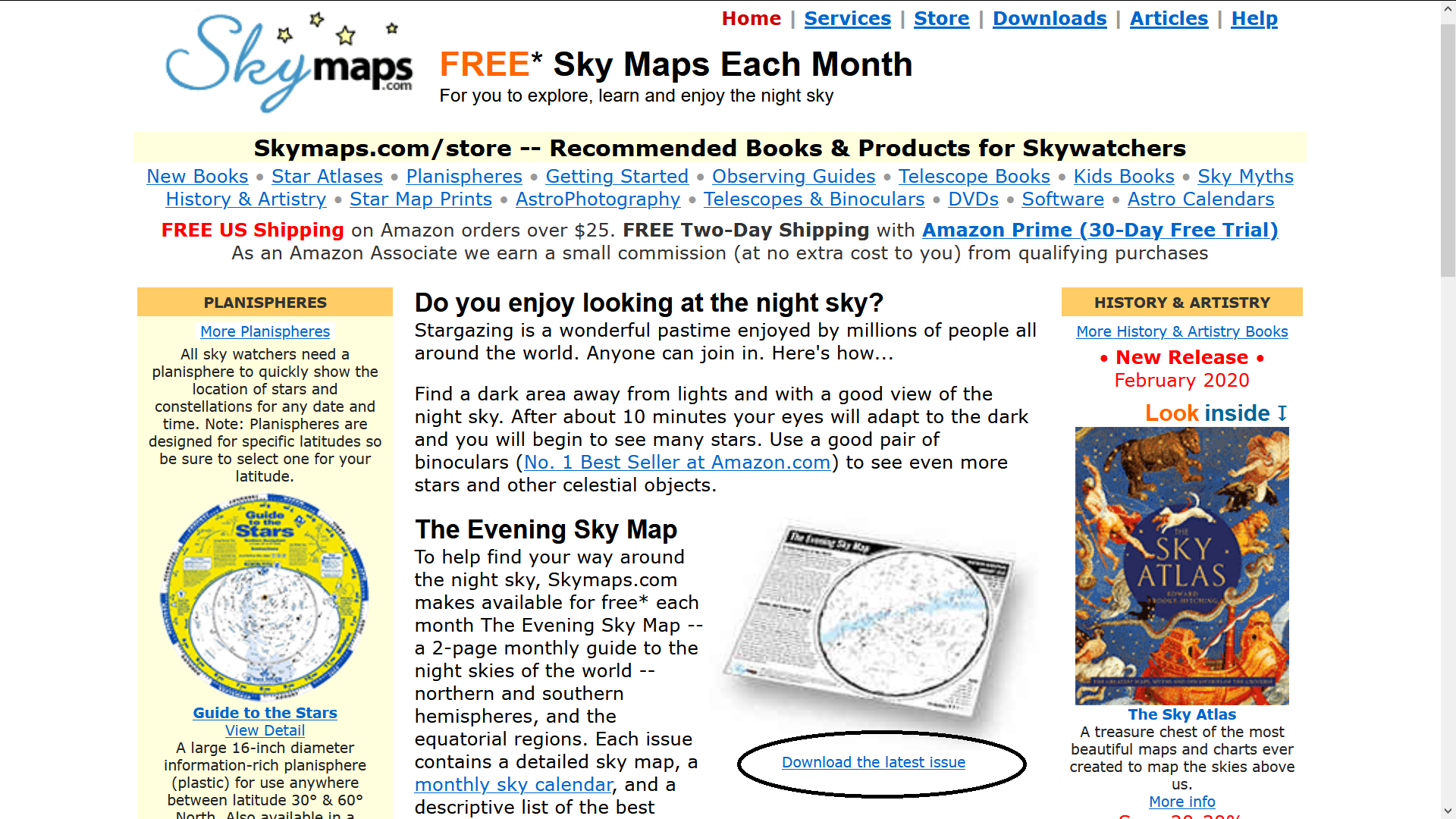
Skymaps Home Page
The link to the download page is circled.
When you get to the download page, scroll down until you see the links in red. I grabbed this after scrolling down a ways.
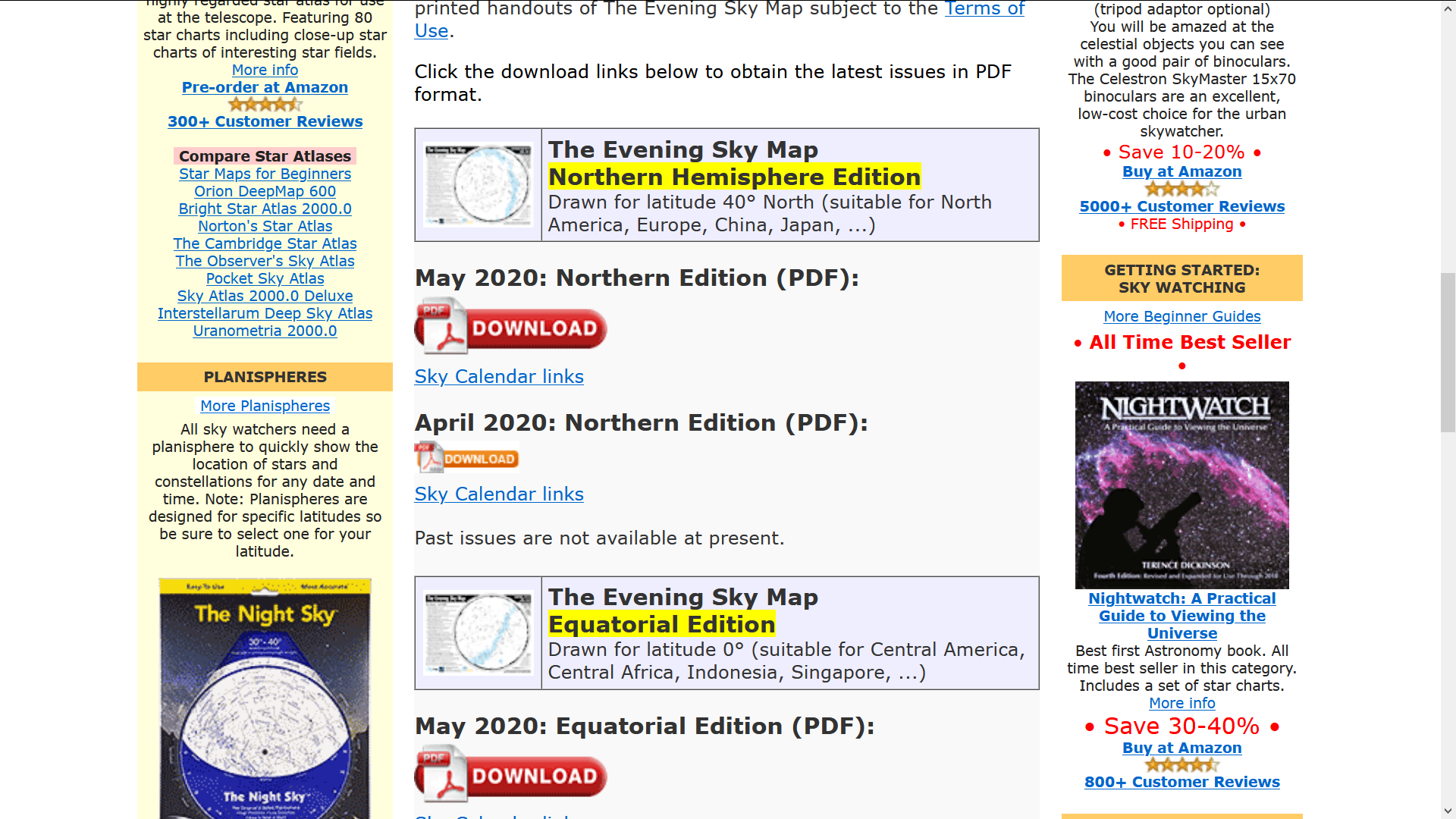
Skymaps Download Page
They created a Skymaps for the month and by location. You should be able to find the correct map for your area – Northern hemisphere, Equator or Southern hemisphere. When you find the one you want and you click on the ‘button’ on the page, you should get to a PDF type page where you can download that map.
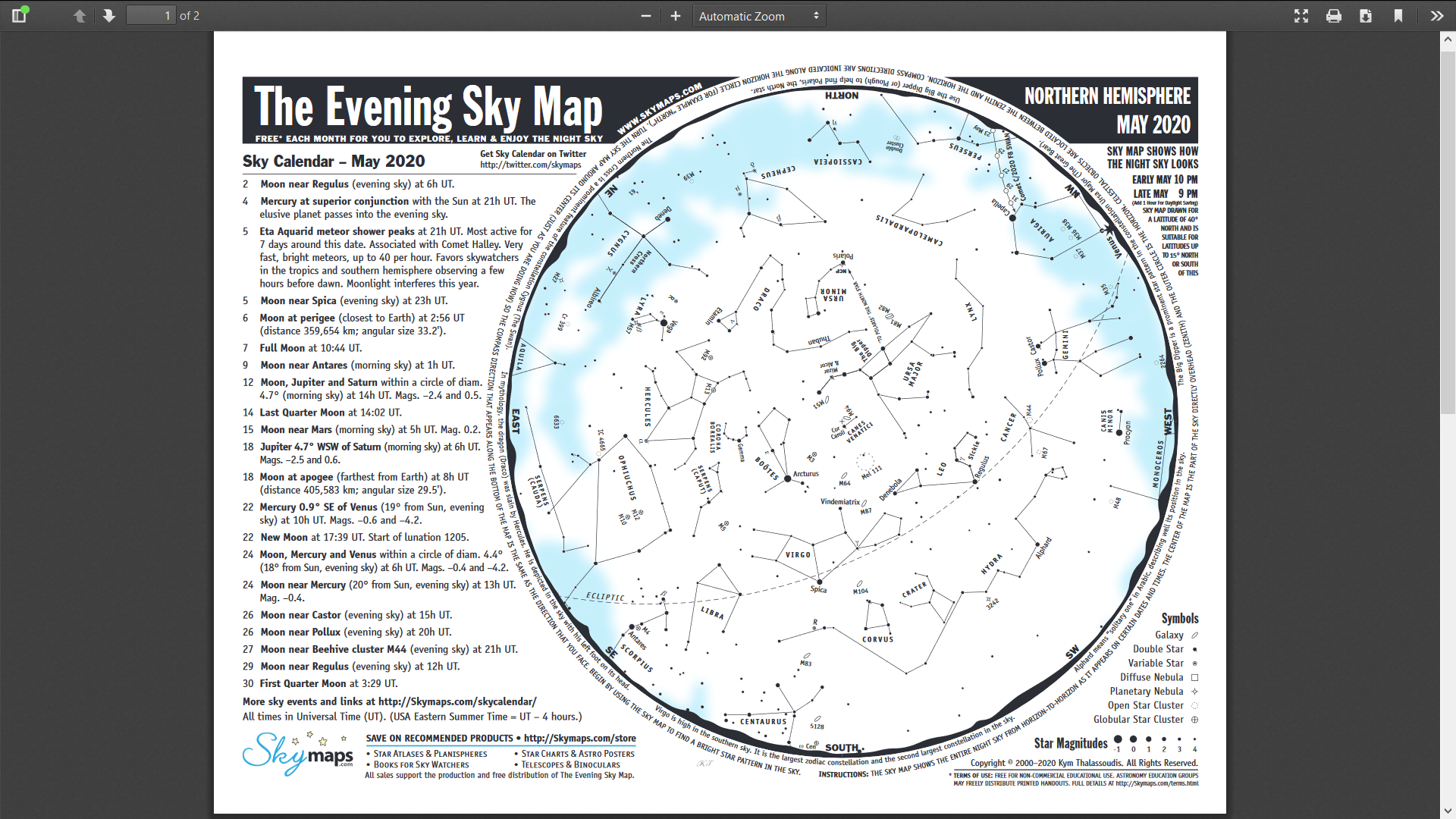
Current Skymaps Map PDF
This page goes with the Everyday Spacer video description on the FB live created on 4/30/20.